
If you run your own Nightscout site, SNAQ can pull your glucose readings from it.
What you need
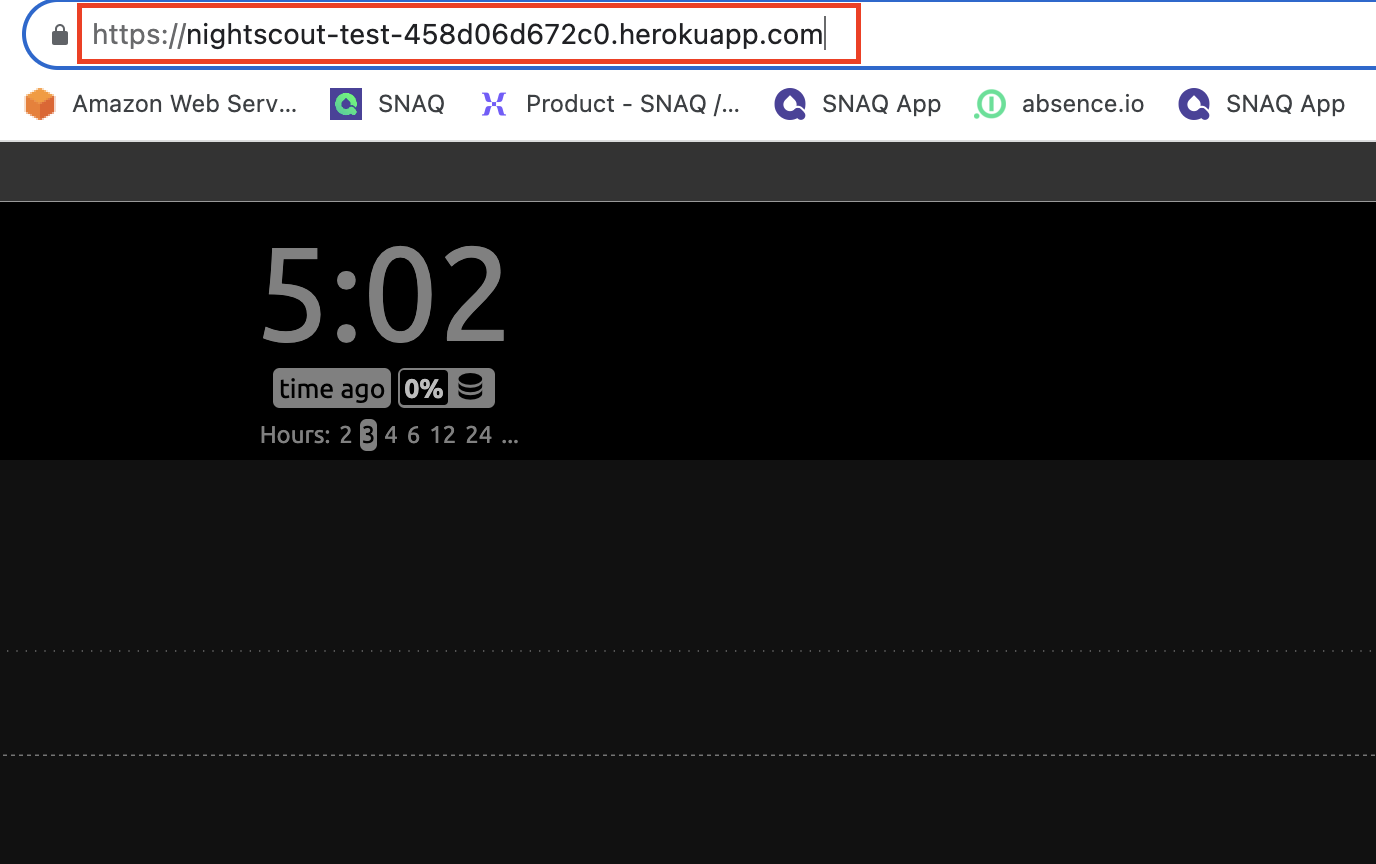
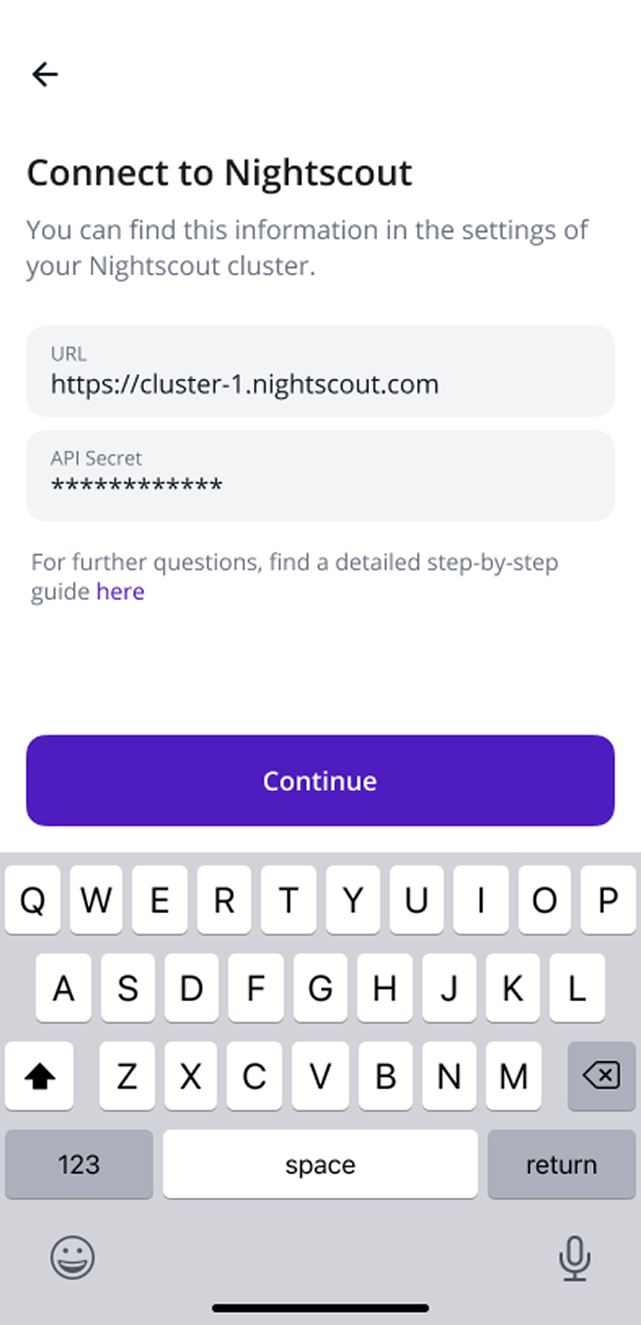
- Your site URL. It’s the address you type into your browser to open Nightscout.
- Your API secret. You set this password when you created your Nightscout site.
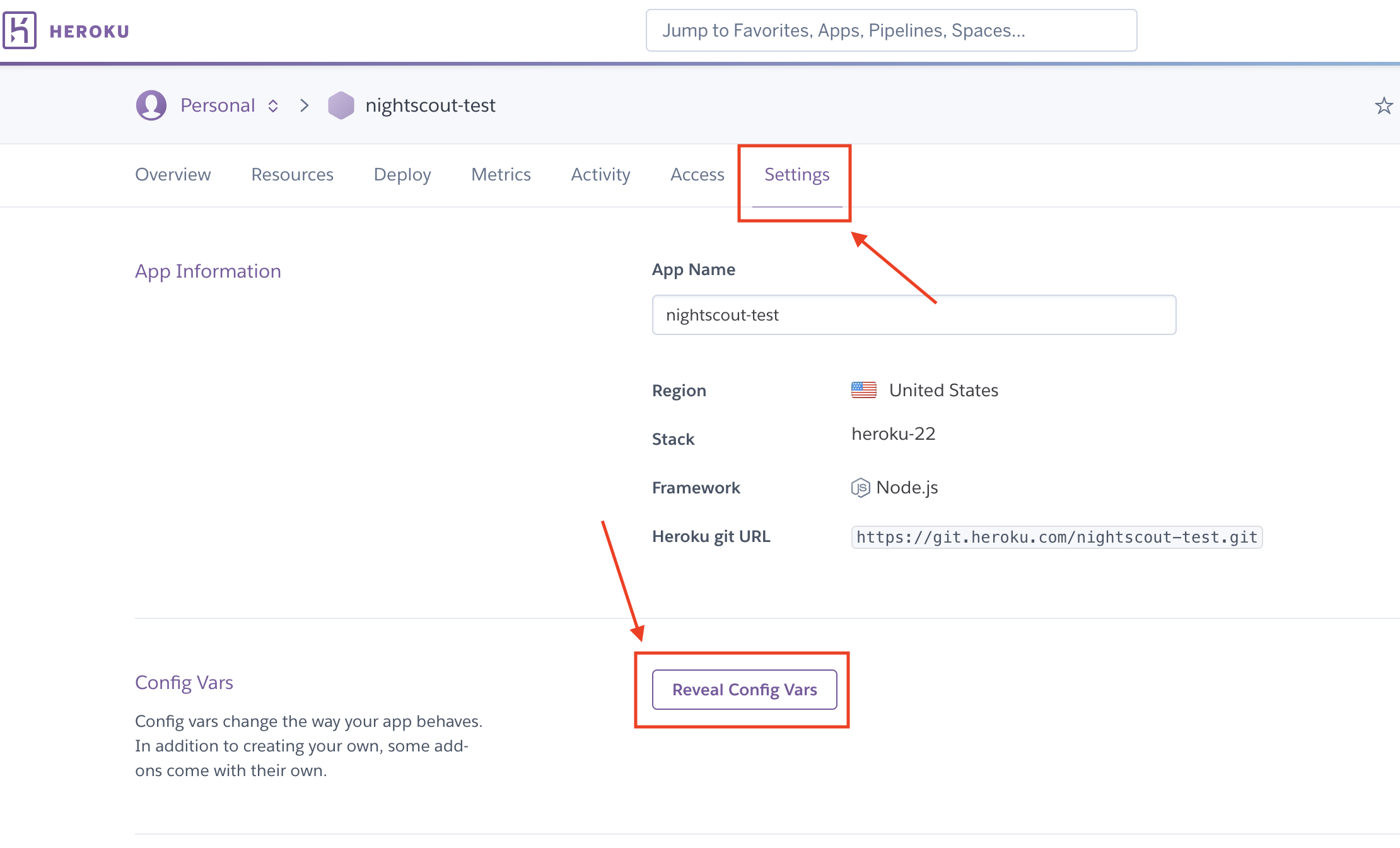
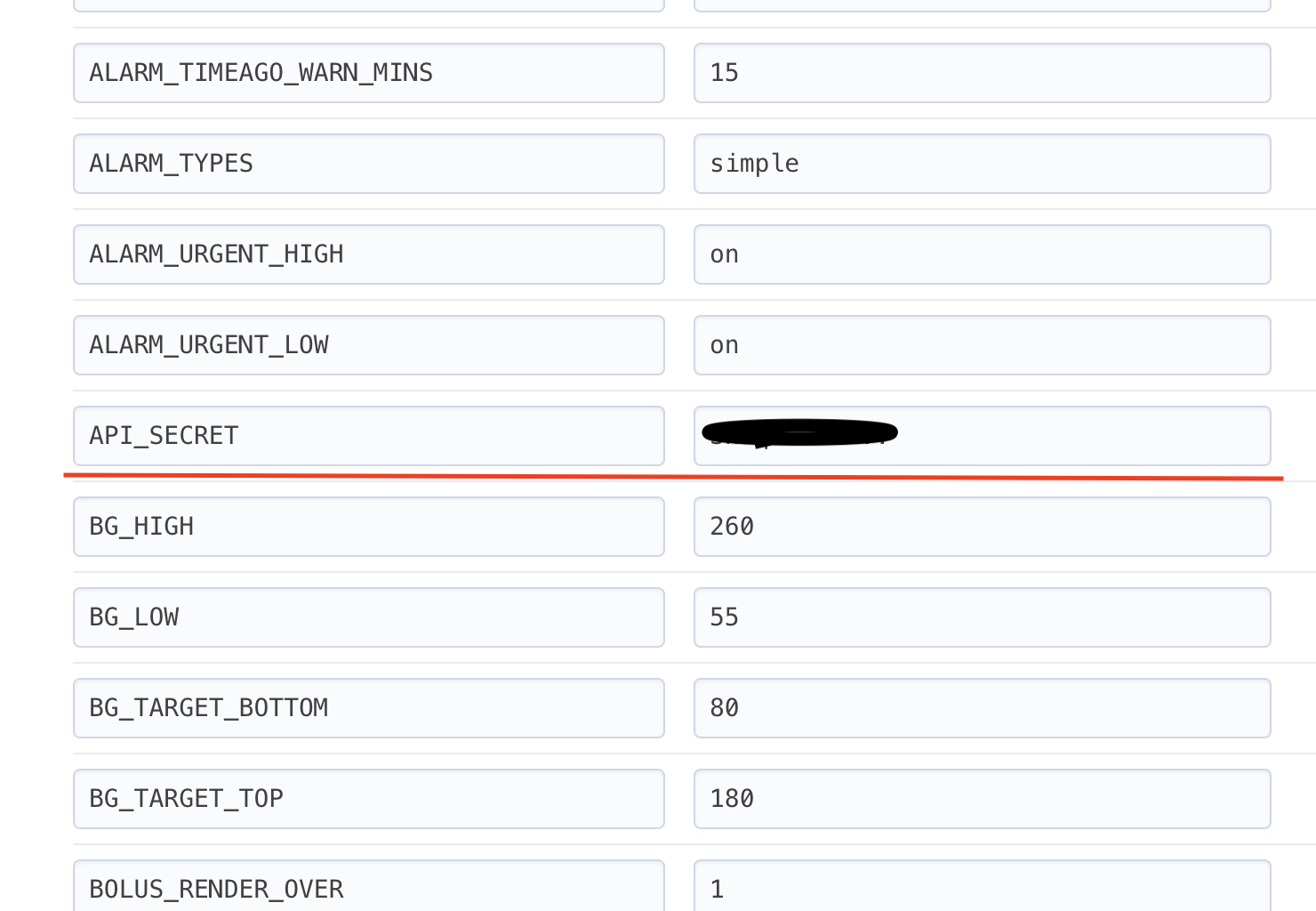
Forgot your API secret? Look in the settings wherever your site is hosted. On Heroku, open your app, go to Settings, click Reveal Config Vars, and look for API_SECRET.
Connect
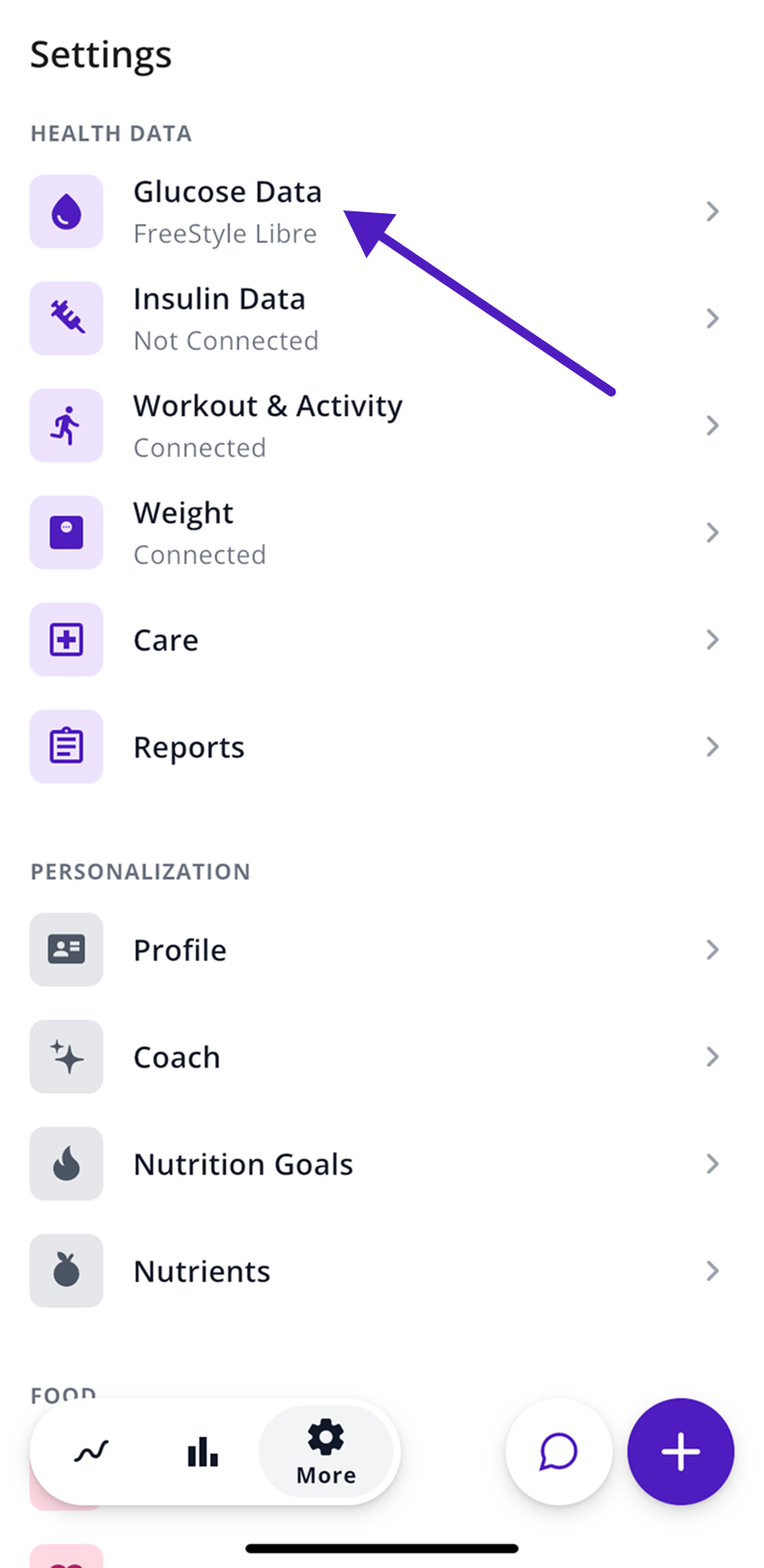
- In SNAQ, open the More tab (the gear icon).
- Under Health Data, tap Glucose Data.
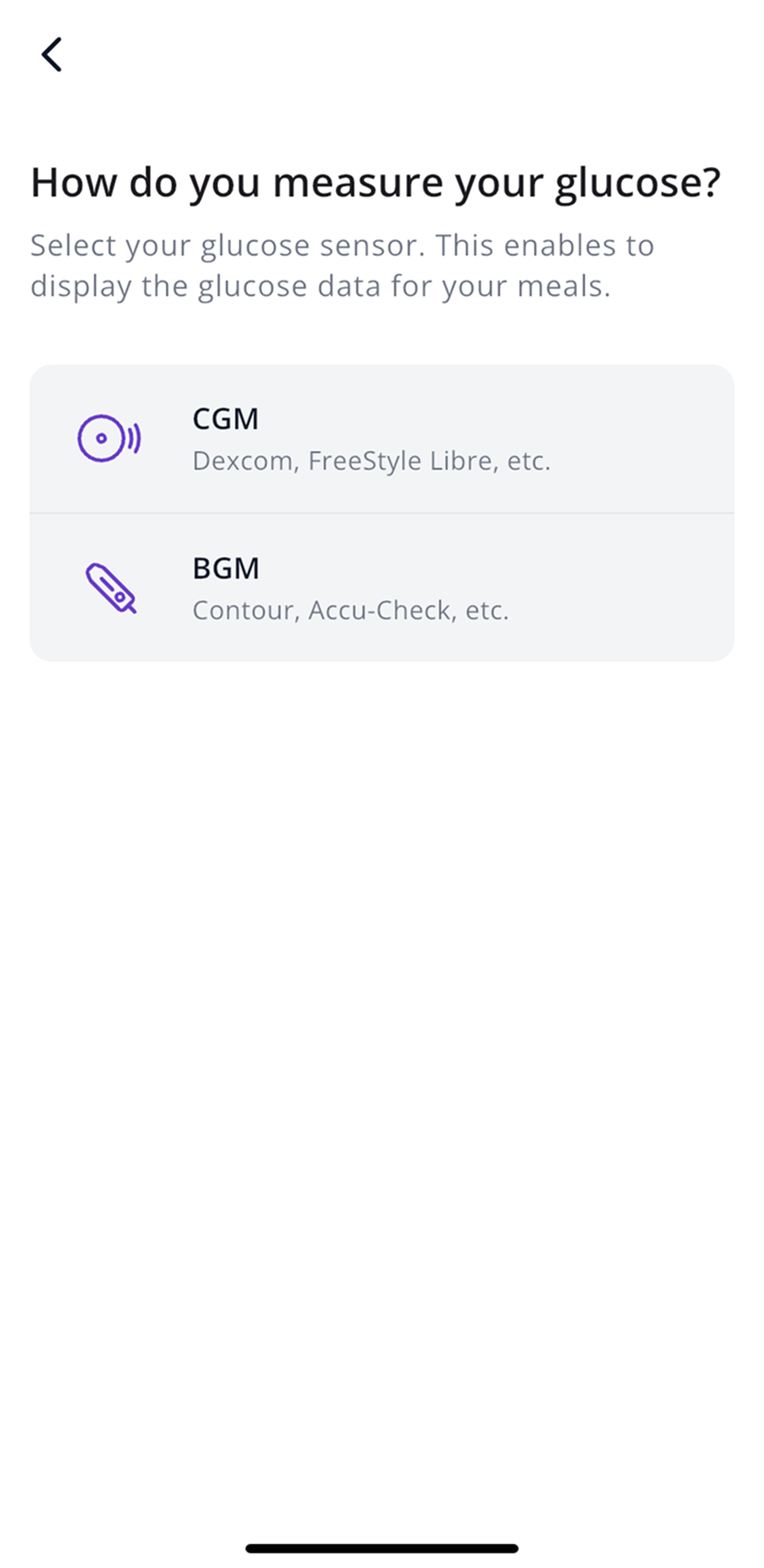
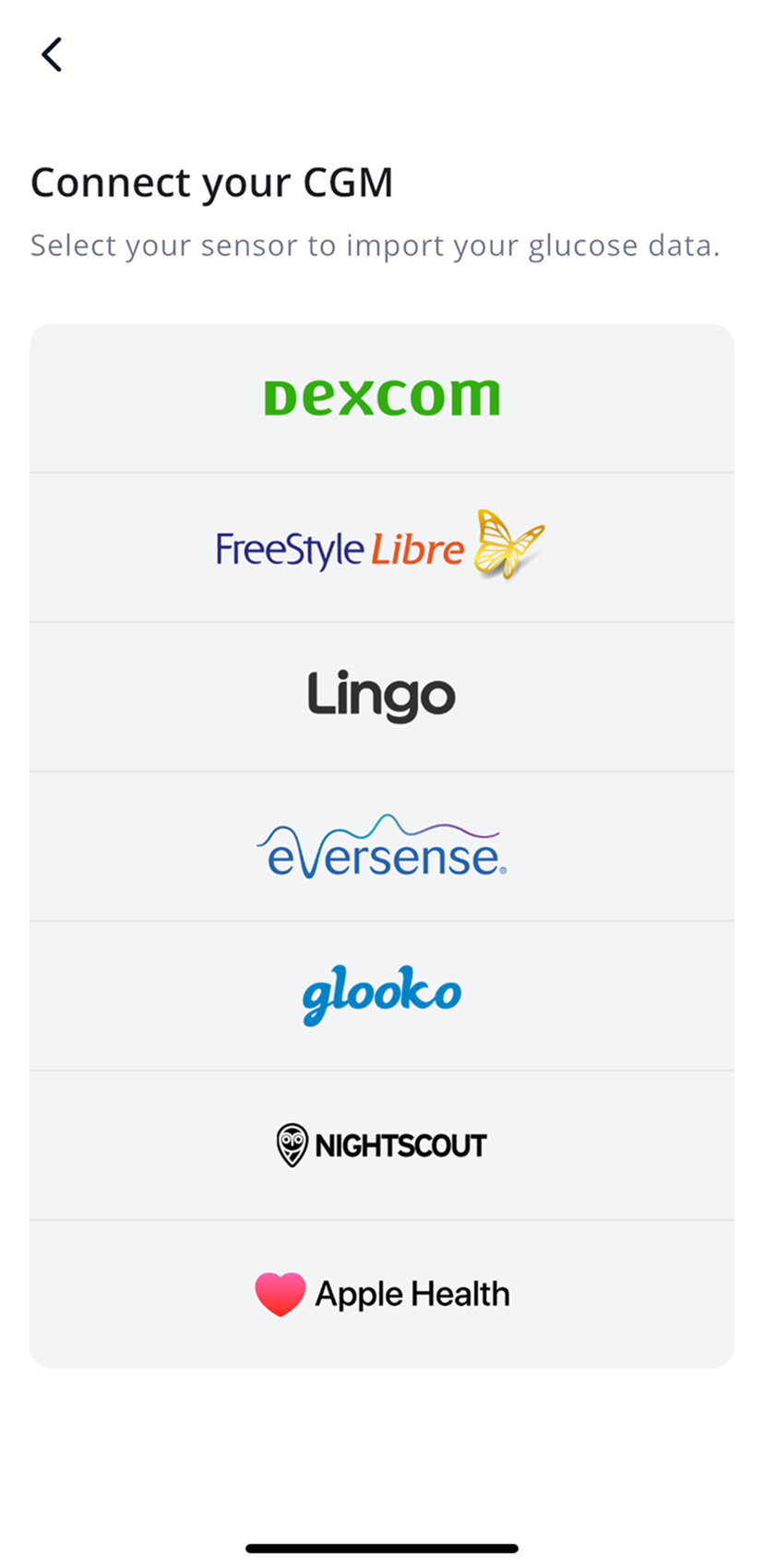
- Tap CGM, then Nightscout.
- Enter your site URL and API secret, then tap Continue.
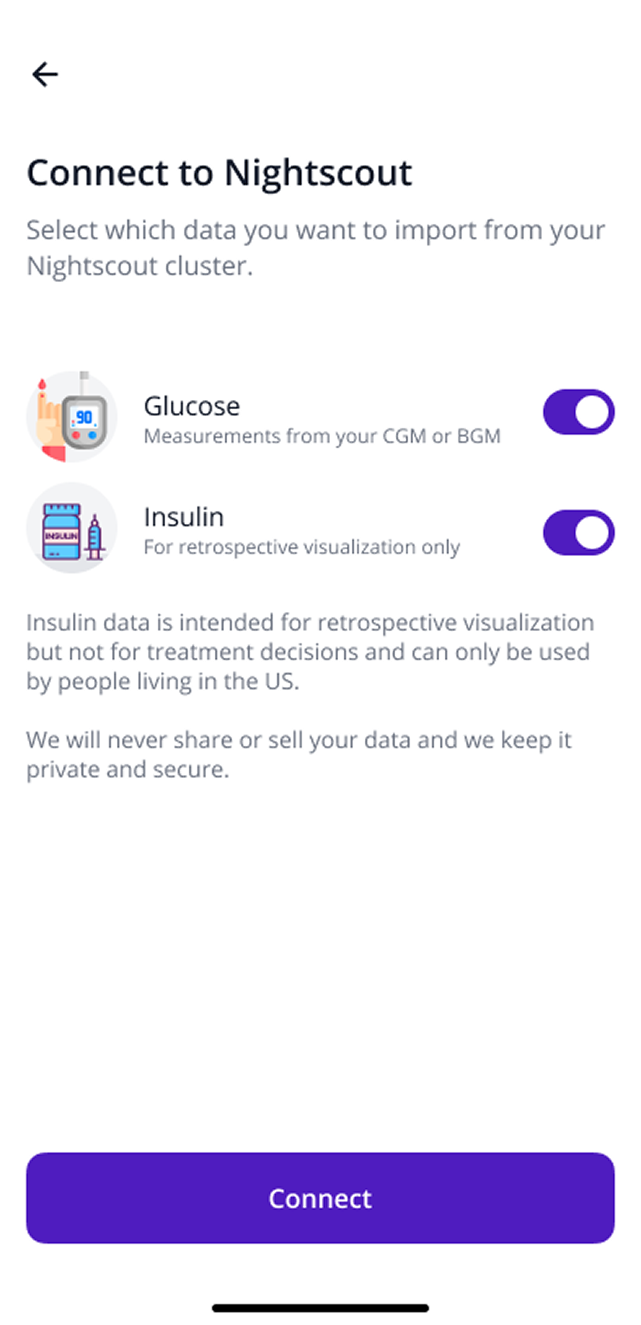
- Choose what to import: Glucose, plus Insulin if you have a US account.
- Tap Connect.
Your readings can take up to 24 hours to show up in SNAQ.
Insulin from Nightscout US only
US accounts can also import insulin doses from Nightscout under More, then Health Data, then Insulin Data. Insulin data in SNAQ is only for looking back at what happened. Don’t use it to make treatment decisions.
Steps last checked against the app in September 2026.
Still stuck?
Email us at support@snaq.io and tell us what you've tried so far. We usually reply within one business day.