
Fingerstick meters connect under BGM, which stands for blood glucose meter.
- In SNAQ, open the More tab (the gear icon).
- Under Health Data, tap Glucose Data.
- Tap BGM.
- Pick your meter: Accu-Chek, Contour, OneTouch, Apple Health or Other.
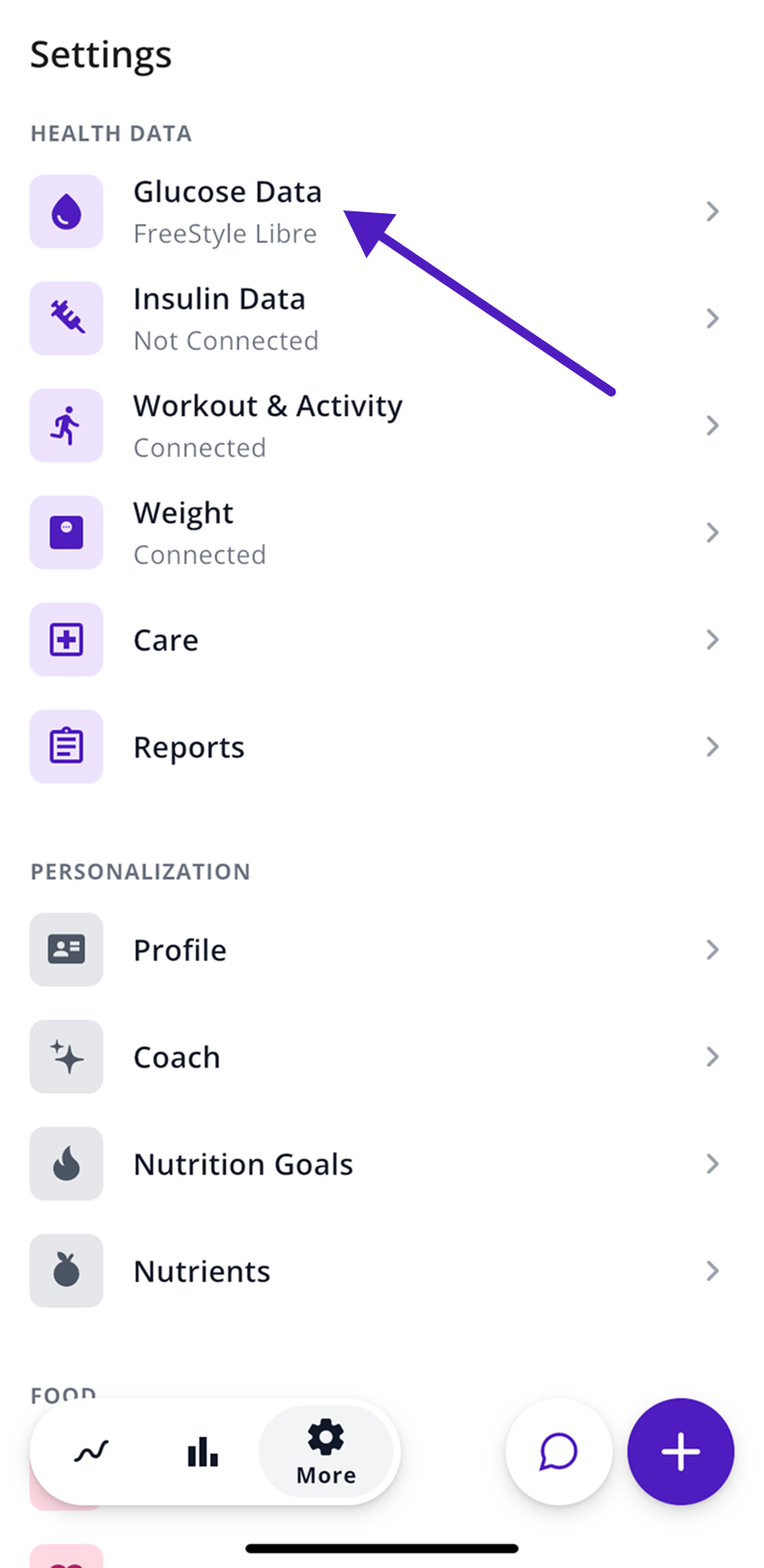
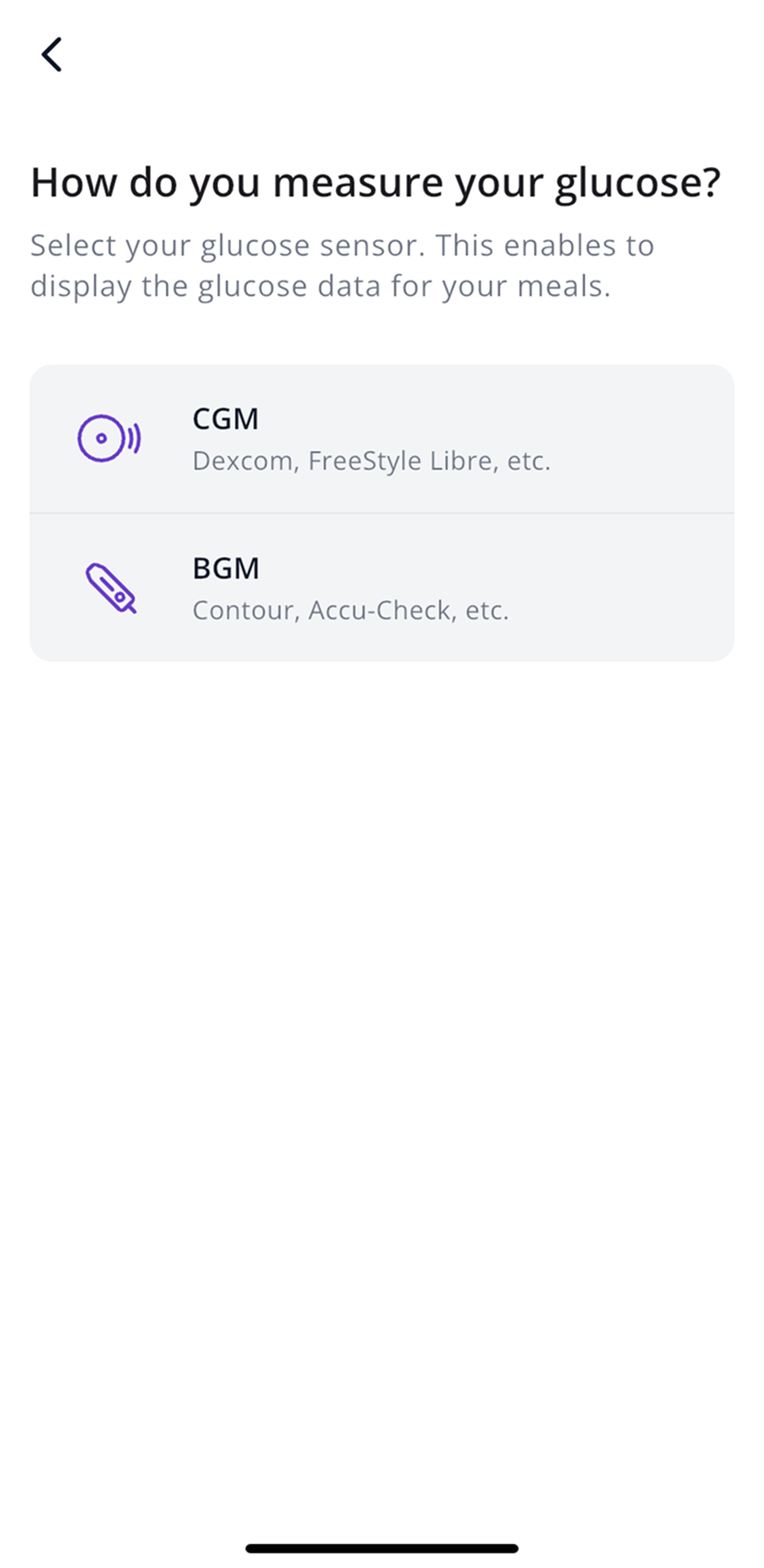
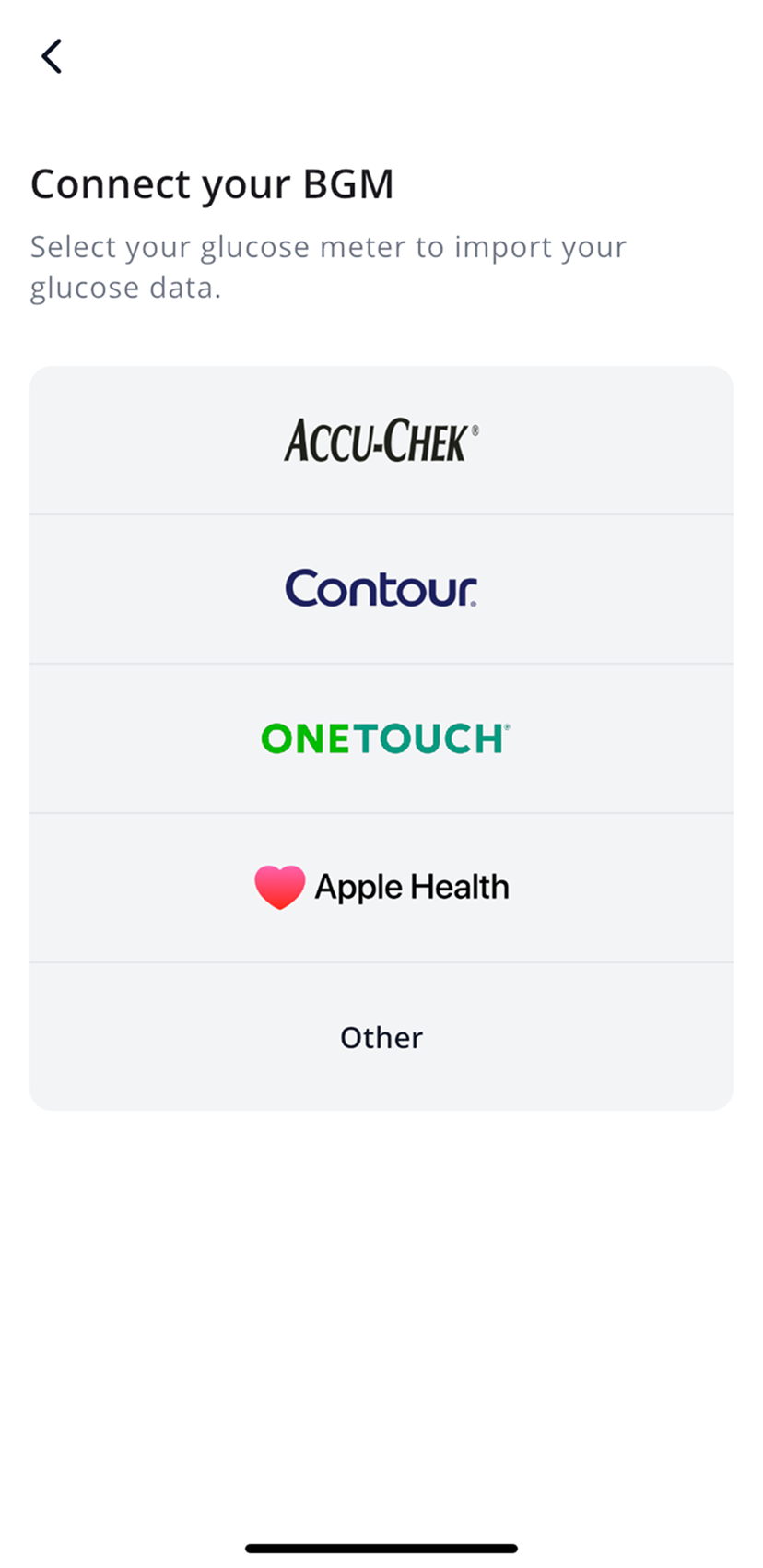
Contour Next and Contour Next One
Contour meters pair directly with SNAQ over Bluetooth.
- In the BGM list, tap Contour.
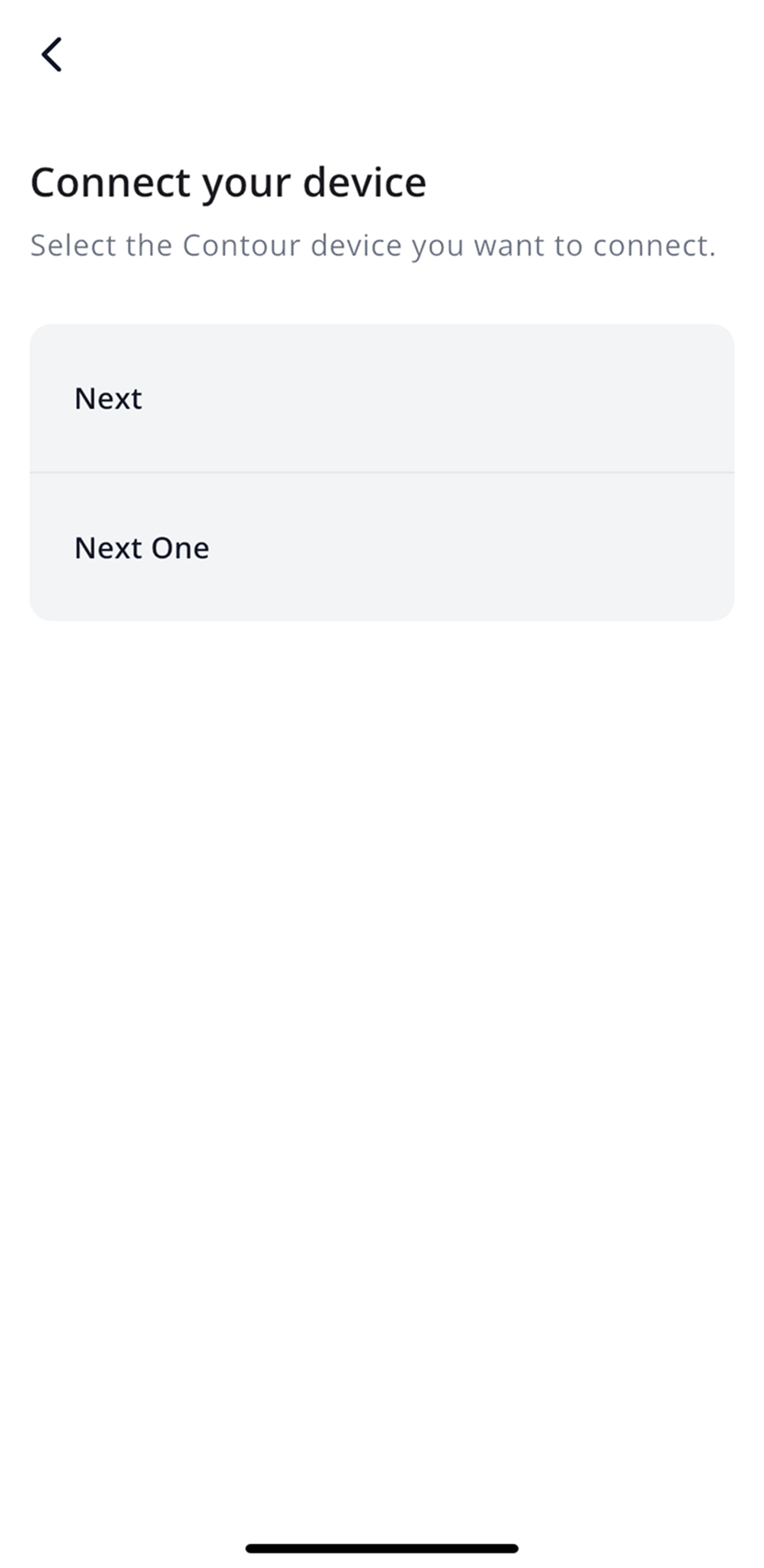
- Pick your model: Next or Next One.
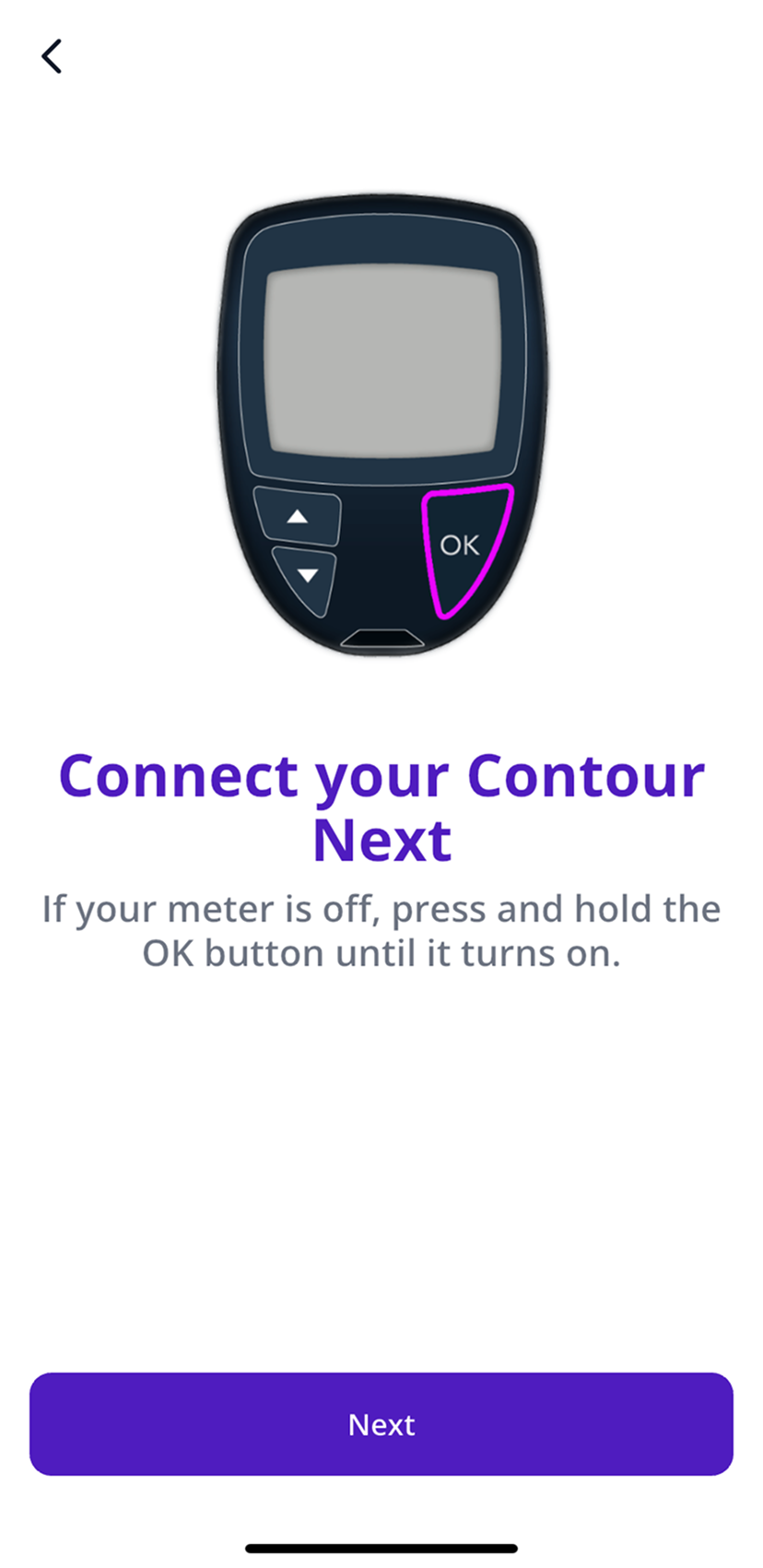
- If the meter is off, press and hold its OK button until it turns on, then tap Next.
- Allow Bluetooth when your phone asks, then follow the pairing steps on screen.
Accu-Chek
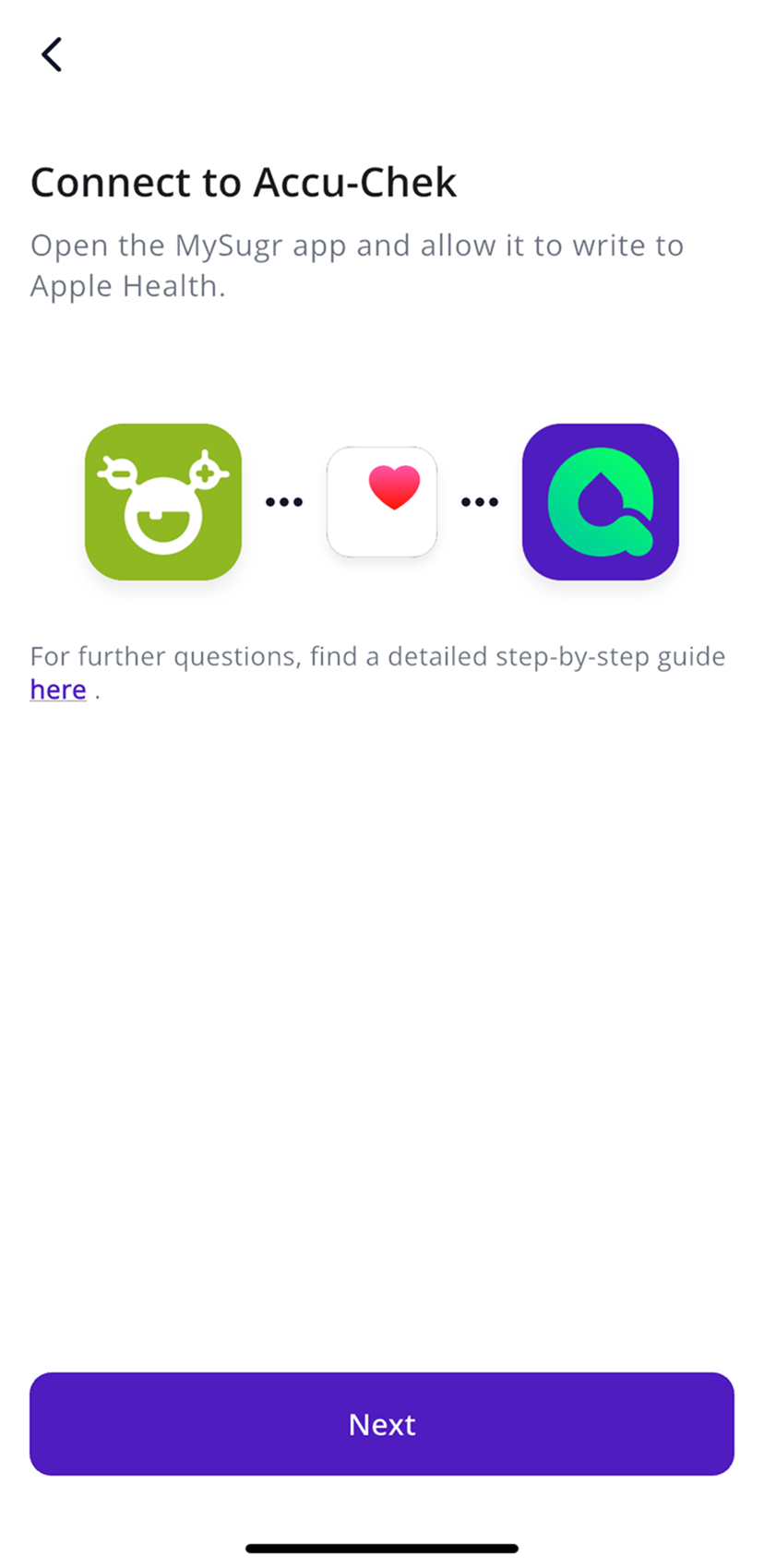
Accu-Chek readings travel from the mySugr app into Apple Health, and SNAQ reads them there. That’s why this only works on iPhone.
- In mySugr, allow the app to save blood glucose to Apple Health.
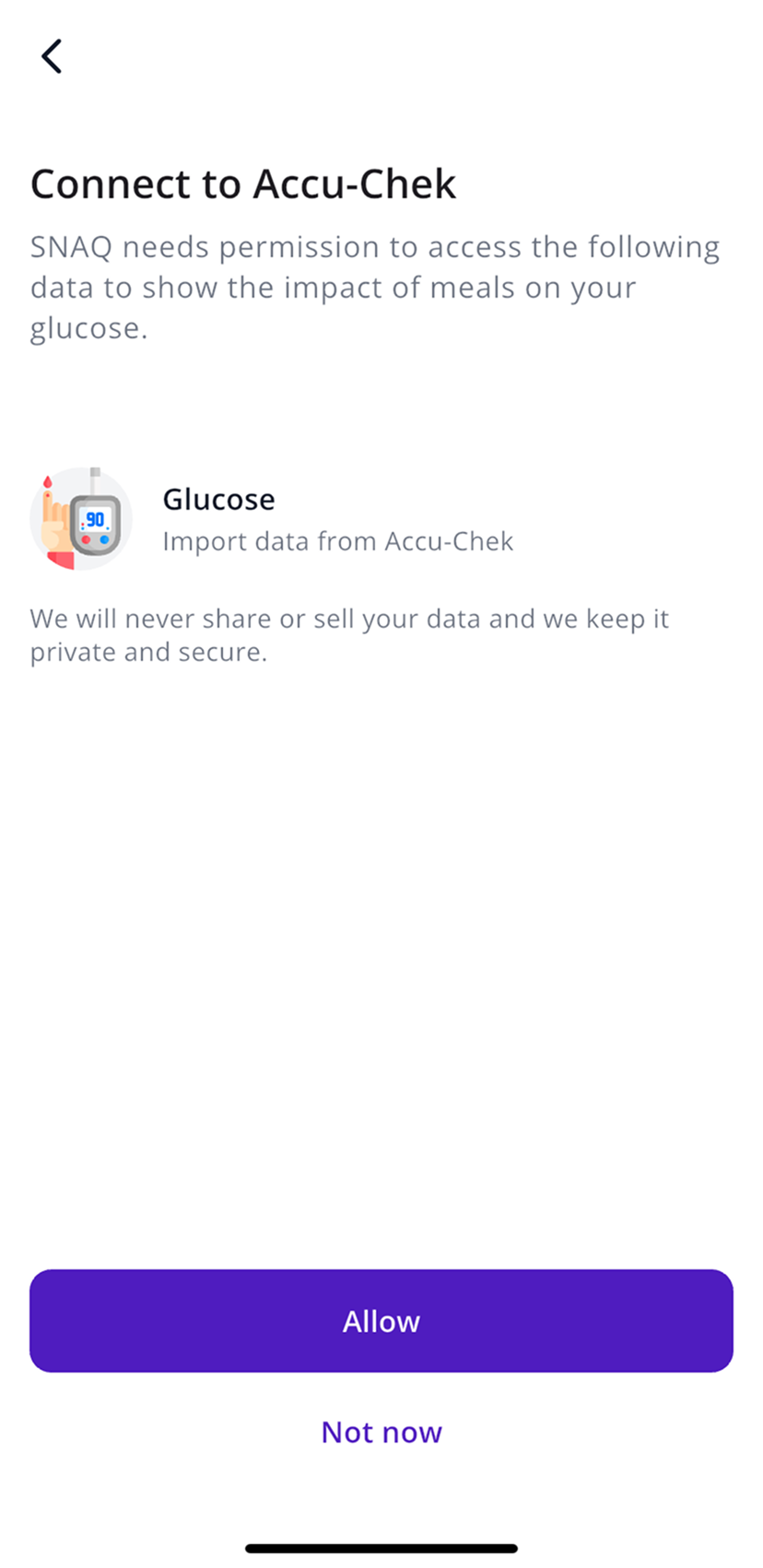
- In SNAQ’s BGM list, tap Accu-Chek, then Next.
- Tap Allow, then allow access to blood glucose when Apple Health asks.
OneTouch and other meters that use Apple Health
OneTouch readings come in through Apple Health too. Make sure your meter’s app saves blood glucose to Apple Health, then pick OneTouch or Apple Health from the BGM list. Connect Apple Health goes through the permissions.
Other meters: enter readings by hand
- In the BGM list, tap Other.
- Whenever you check your glucose, tap +, then Glucose, and enter the reading.
You can only type in readings when you’re set up with a meter. With a CGM connected, readings come from the CGM.
After a meal
With a meter, SNAQ shows your glucose before and after each meal instead of a full curve. For a notification after meals, go to More, then General, then Notifications, and turn on Post-Meal Glucose.
Steps last checked against the app in September 2026.
Still stuck?
Email us at support@snaq.io and tell us what you've tried so far. We usually reply within one business day.