
If your devices already sync to Glooko, SNAQ can import your data from your Glooko account.
Connect
- In SNAQ, open the More tab.
- Under Health Data, tap Glucose Data.
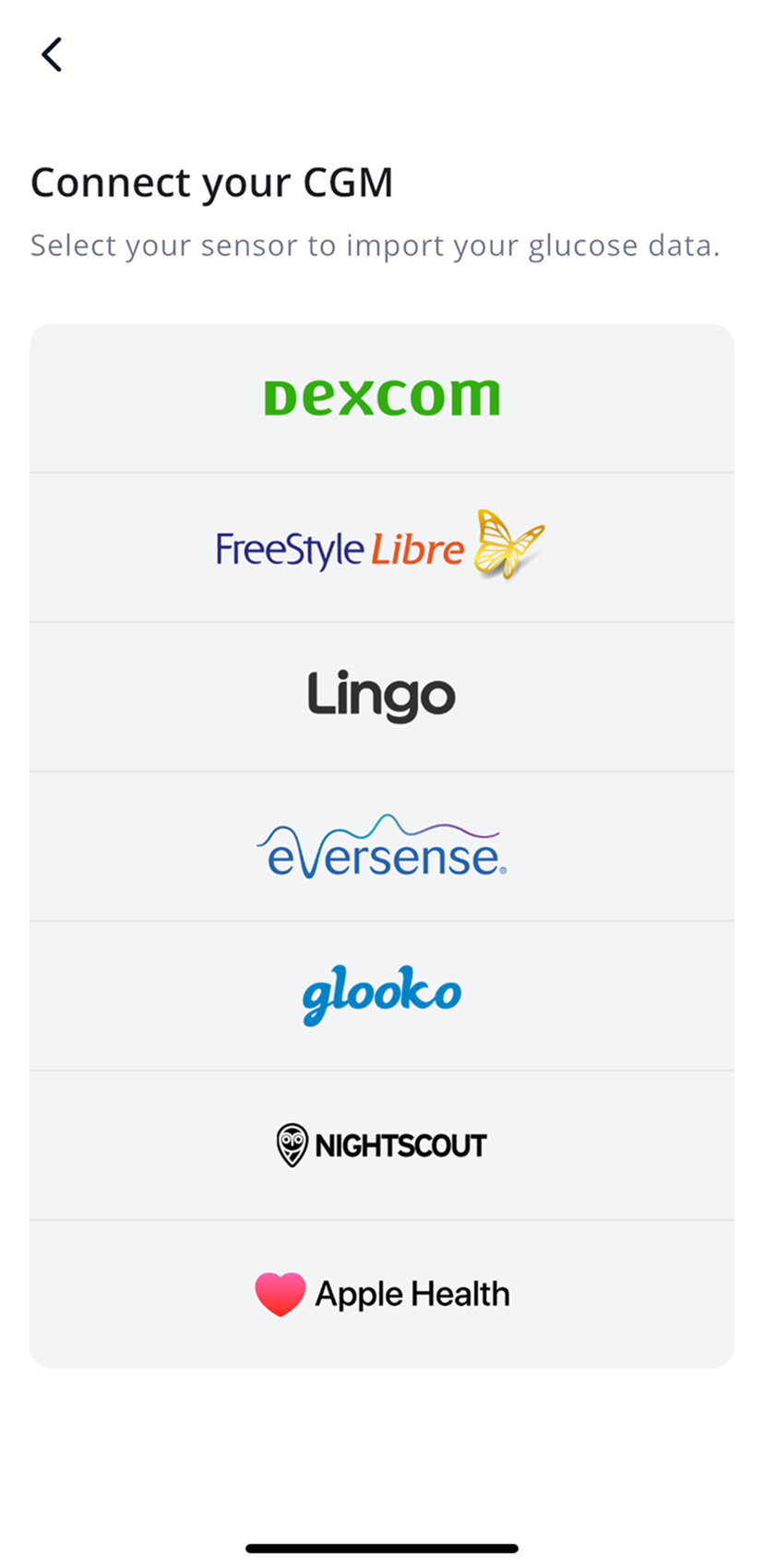
- Tap CGM, then Glooko.
- Accept the disclaimer.
- Choose your country.
- Enter the email and password you use for Glooko.
Insulin from Glooko US only
US accounts can also import insulin doses from Glooko under More, then Health Data, then Insulin Data. Insulin data in SNAQ is only for looking back at what happened. Don’t use it to make treatment decisions.
Steps last checked against the app in September 2026.
Still stuck?
Email us at support@snaq.io and tell us what you've tried so far. We usually reply within one business day.